A quick text reminder is more efficient than a voicemail or a letter and can help increase client engagement. But when a message includes confidential information, a regular text app can create a security risk. An individual with a disability does not want their personal details to be seen by a stranger on the bus!
The Health Insurance Portability and Accountability Act (HIPAA) of 1996 requires covered human services organizations to implement appropriate safeguards for protected information. While this could look like new technology implementation, we know that caseworkers already have a lot on their plate. The right software should lift administrative burden, not add to it.
This rigorous guide covers exactly what you need to look for in a HIPAA-compliant messaging app. We also compare 9 of the best HIPAA-compliant texting apps, based on key features, industry, and ease of use. From caseworking to counseling, you should find an option that works for you.
What to Look for in a Secure Messaging Platform
How do you know whether communication software is really secure and will actually work for your organization’s needs? We recommend that you check potential software choices against 3 factors:
1. HIPAA-compliant texting
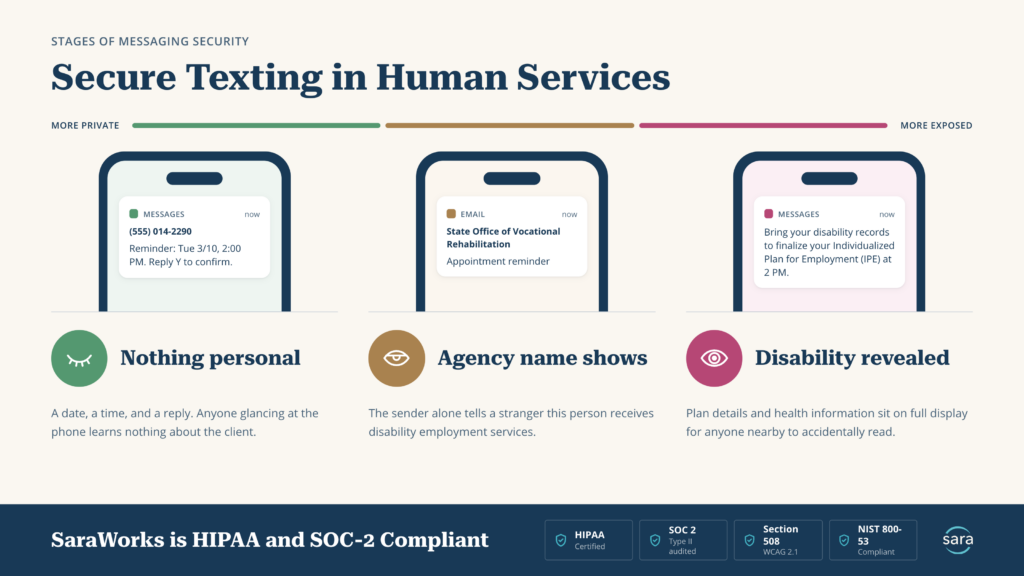
HIPAA outlines certain rules for compliant communication at an organizational level. These include:
The Privacy Rule. You decide who can see, use, and share protected health information (PHI). Staff share only the minimum information a task needs.
The Security Rule. You protect electronic PHI with administrative, physical, and technical safeguards.
The Breach Notification Rule. If PHI gets exposed, you notify the affected clients, the Department of Health and Human Services, and, for large breaches, the media.
Business associate requirements. Any vendor that handles PHI for you signs a business associate agreement (BAA) and takes on responsibility for protecting that data.
2. Ease of use
Caseworkers spend approximately 60-70% of their time on administration. Large caseloads, back-to-back appointments, and endless documentation leave little time to learn a complicated new system. New software should be user-friendly and respect the systems you know already work, meaning it should not be another tool that adds extra hidden administrative work.
This matters for clients too. The best secure messaging tools let clients reply to a regular text, in their own language, when it suits them. Remember: some of the people you serve might not want to download a new app or remember another password.
3. Fit for purpose
A piece of software can boast many interesting features. But if it does not work for your team’s specific needs, it is a poor investment. For example, a nurse might require medication notifications and integration with electronic health records (EHRs). A vocational rehabilitation counselor, on the other hand, may have more use for secure document sharing and communication tools that allow them to collaborate with employers. Many of the most secure messaging platforms are designed with only healthcare providers in mind, as opposed to the more unique needs of human services providers.
1. SaraWorks
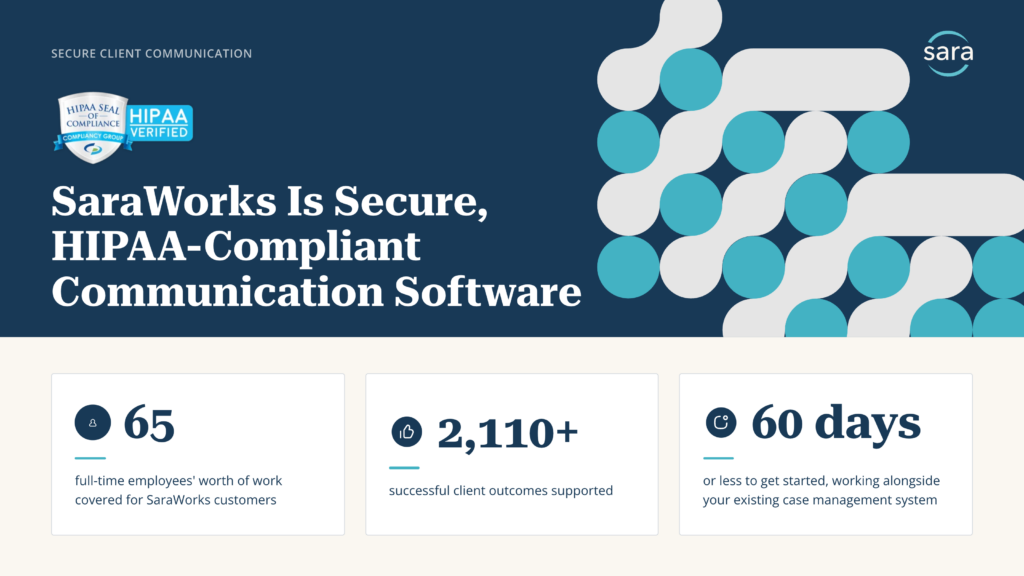
SaraWorks client communication software is purpose-built for caseworkers and counselors who need to stay connected to large caseloads without extra admin. It works alongside your existing case management system rather than replacing it.
Automated reminders, client self-scheduling, and message templates take care of routine outreach, so staff can save their time for the more important human interactions.
You can also rest assured that compliance is baked into the design. For one thing, SaraWorks keeps organized, time-stamped records to help your agency stay audit-ready. For another, the software is aligned with HIPAA rules. 256-bit encryption protects client information in transit and at rest, which meets the Security Rule’s requirement to safeguard electronic PHI.
Price: Quote-based. SaraWorks offers separate packages for government agencies (Starter, Professional, and Executive) and for nonprofits and workforce boards (Connect, Integrate, and Transform).
Get in touch to book a demo and see the software for yourself.
2. Curogram
Curogram started in outpatient clinics but now offers two-way texting for human services agencies, including behavioral health, disability, and foster care programs.
Role-based permissions and multi-factor authentication limit who can see client threads, and messages, forms, and documents sit in a permanent audit trail. For substance use programs, Curogram advises keeping treatment details and program names out of texts to stay in line with 42 CFR Part 2.
Price: Starting at $125. Setup and staff training are included, there are no per-message fees, and plans are month to month.
3. Textline
Textline is a strong choice for teams that want consent tracking built into every conversation. Staff can’t type a message until the contact has agreed to receive texts, and Textline records and stores each consent. Clients text from their own phones, with no app or portal involved.
Textline’s patented consent process is the core of its approach. The first message to a new contact explains that texting may not be fully secure and asks them to reply YES. Messaging stays blocked until they agree, and a later STOP removes consent. Keep in mind that clients are receiving regular SMS, which is why that consent step matters so much. Textline itself recommends keeping messages to the minimum necessary, such as provider, date, time, and location, and calling clients about sensitive results instead.
Price: HIPAA Essentials costs $249 a month (3 agents and 600 message credits) and HIPAA Pro costs $569 a month (5 agents and 2,000 message credits) on month-to-month billing. Annual billing lowers the price.
4. Captivated

If you work for a nonprofit or community organization that needs a lot of staff on one account, Captivated might be for you.
Every plan includes unlimited users and teams, so the price doesn’t climb as your team grows. Captivated is upfront that not every conversation on its platform is automatically HIPAA compliant. Sensitive conversations need to run through its secure chat, which Captivated says uses end-to-end encryption, strict access controls, and secure audit trails. A BAA is available on request when your use case needs one.
Price: Starting at $85 a month, priced by message volume rather than seats. One of its plan pages lists secure chat for HIPAA only on its Pro+ plan ($399 a month), so confirm which plan includes it before you budget.
5. Spruce Health

Spruce Health is designed for small behavioral health and community practices that want everything in one app. Phone calls, two-way SMS, secure messaging, team chat, video, and e-fax all sit together, and the Communicator plan adds AI summaries of voicemails, calls, and audio messages.
There’s an important difference between Spruce’s two messaging channels, though. Secure messaging is encrypted, but clients need the free Spruce patient app to use it. Two-way SMS travels over the public phone network. Spruce says SMS can still be used compliantly if clients understand the risks, know a secure option exists, and still prefer to text.
Price: Basic costs $24 per user per month and Communicator costs $49 per user per month, billed month to month. Texting needs a one-time $19.50 SMS registration fee plus a small monthly campaign fee, and telecom taxes are added on top. There’s a 14-day free trial.
6. iPlum
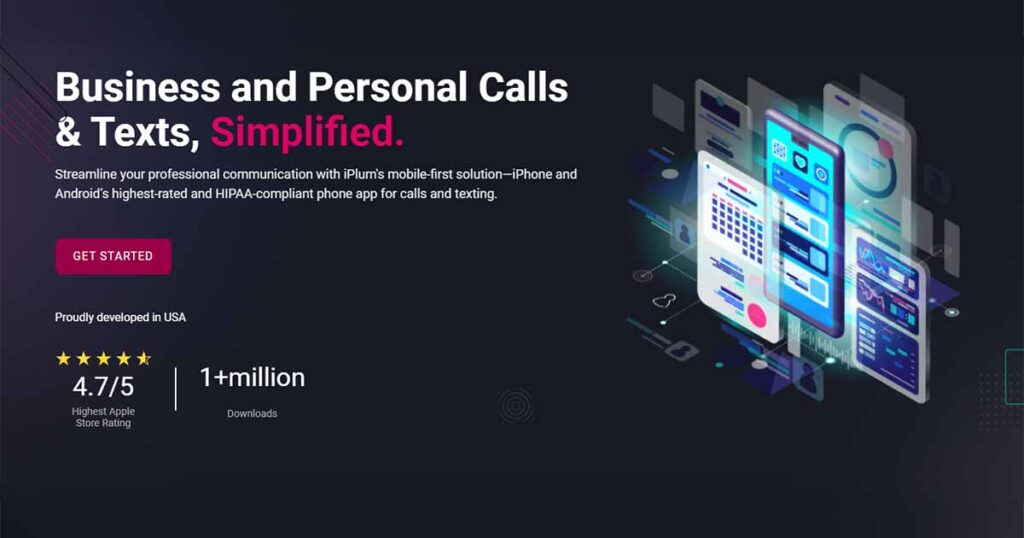
Are you a solo clinician or a small team that needs a separate work line? iPlum can add a second number to a phone your caseworker already uses to help them keep a boundary between work and personal life.
HIPAA compliance and a signed BAA come with the Professional and Enterprise plans, and every HIPAA-enabled number gets its own BAA. Secure, encrypted texting happens inside the iPlum app. Clients get a free iPlum account and reply through the app or an app-less web option.
The cheaper Standard plan includes neither, so it isn’t suitable for client information. iPlum advises against sending PHI by standard SMS, which adds an extra step for clients who just want to answer a normal text. The Professional plan also keeps a year of text archives.
Price: Professional costs $14.99 per user per month billed annually, or $20.99 billed monthly. Enterprise costs $25.99 per user per month billed annually, or $30.99 billed monthly. US numbers also need a one-time $20 texting registration fee.
7. CareMessage

What sets CareMessage apart is its focus on social needs for community-based organizations. Its main focus is healthcare organizations, though it does have some provision for other services. Teams can screen clients for social needs by text and connect them with community resources, from food pantry announcements to utility assistance.
They keep texting simple for clients. Users can reply to a plain text from their own mobile device, with no need to download an app or log into a portal. Staff can send automated appointment reminders, patient education, and announcements to large groups, then follow up through one-to-one conversations. The platform also supports appointment confirmations, rescheduling workflows, and messaging in over 60 languages.
Price: Quote-based. CareMessage says most packages are priced per patient, depending on features, with unlimited messaging.
8. QliqSOFT
QliqSOFT is built for home health and hospice teams who spend their days in the field. Its AI-powered engagement agents reach patients and families by plain text, so nobody has to install an app. For staff, the QliqCHAT app keeps field teams connected, with no electronic medical record (EMR) login required. A BAA comes with every customer relationship.
In the QliqCHAT staff app, each user has their own encryption keys: 2048-bit RSA for messages and 256-bit AES for attachments. Admins can require a PIN, biometric login, or two-factor authentication and set message retention and expiry rules. They can also remotely wipe QliqCHAT from a lost or departing staff member’s phone without touching personal data.
Two features stand out for agencies serving diverse communities:
Real-time, two-way translation that helps staff and families talk across languages
AI voice agents that answer calls after hours. Responses that cross thresholds you set are escalated to a named staff member.
Price: Quote-based. QliqSOFT charges per staff seat and per active patient for engagement. Committing to a volume or a longer term lowers the rate, and nonprofit status is considered in proposals.
9. OhMD
OhMD works well for agencies that field a lot of phone calls. It text-enables your existing landline, so clients can text the number they already know. Staff can also move a phone call into a text thread, which cuts down on phone tag.
A BAA goes into effect automatically when you start using OhMD, and it covers texting, voice, video, forms, and file sharing. Stored data is encrypted with AES-256 on HIPAA-compliant servers. OhMD has completed a HITRUST assessment, though it describes this as an assessment rather than a certification. Each staff member has a unique login, and admins can set role-based permissions.
Price: The Core plan starts at $300 a month and AI & Automation starts at $500 a month. Enterprise pricing is custom. Calling usage is billed separately on the higher tiers.
Ensure HIPAA Compliant Text Messaging With Saraworks
Most HIPAA-compliant texting software is built specifically for healthcare organizations. It handles appointment reminders and EHR systems well but leaves caseworkers copying conversations into case notes by hand. Or, it is limited to basic texting functionality. SaraWorks closes that gap.
SaraWorks communication software handles secure communication with clients by text, email, and video. It document every interaction automatically and sends it to your case management system. That means your agency stays audit-ready, protects patient privacy, and gives staff hours back to spend with the people they serve.
Book a demo to see how SaraWorks fits your agency’s workflows and compliance needs.